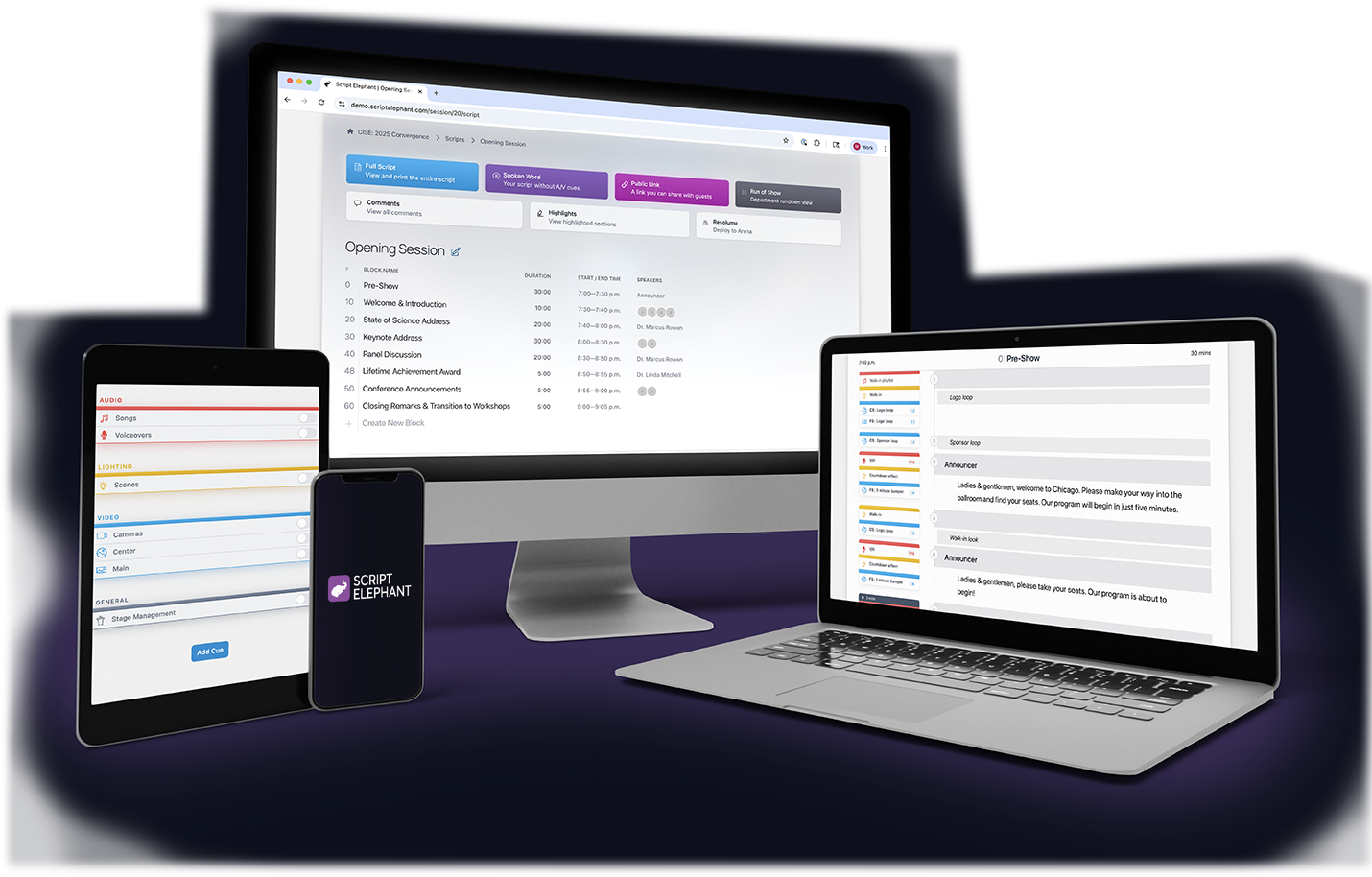
Script Elephant brings structure to every layer of your production. When you’re juggling dozens of assets, cues, teams, and timelines, staying organized isn’t optional, it’s essential. Script Elephant helps you break your production into logical, manageable parts, while giving every team member the exact access they need to do their job.
Organize your show like a pro
ORGANIZATION
A hierarchy built for live events
From building out your sessions and blocks to cue-by-cue execution, our platform breaks your production into intuitive layers. You can plan the overall structure, refine the flow of each session, and manage every cue with total clarity. Whether you’re building a complex multi-day conference or a single session broadcast, Script Elephant adapts to how live events actually run.
Productions
Productions are the top-level container for your entire event. Each production includes its own set of scripts, sessions, team members, and permissions, so you can manage every show independently.
Sessions
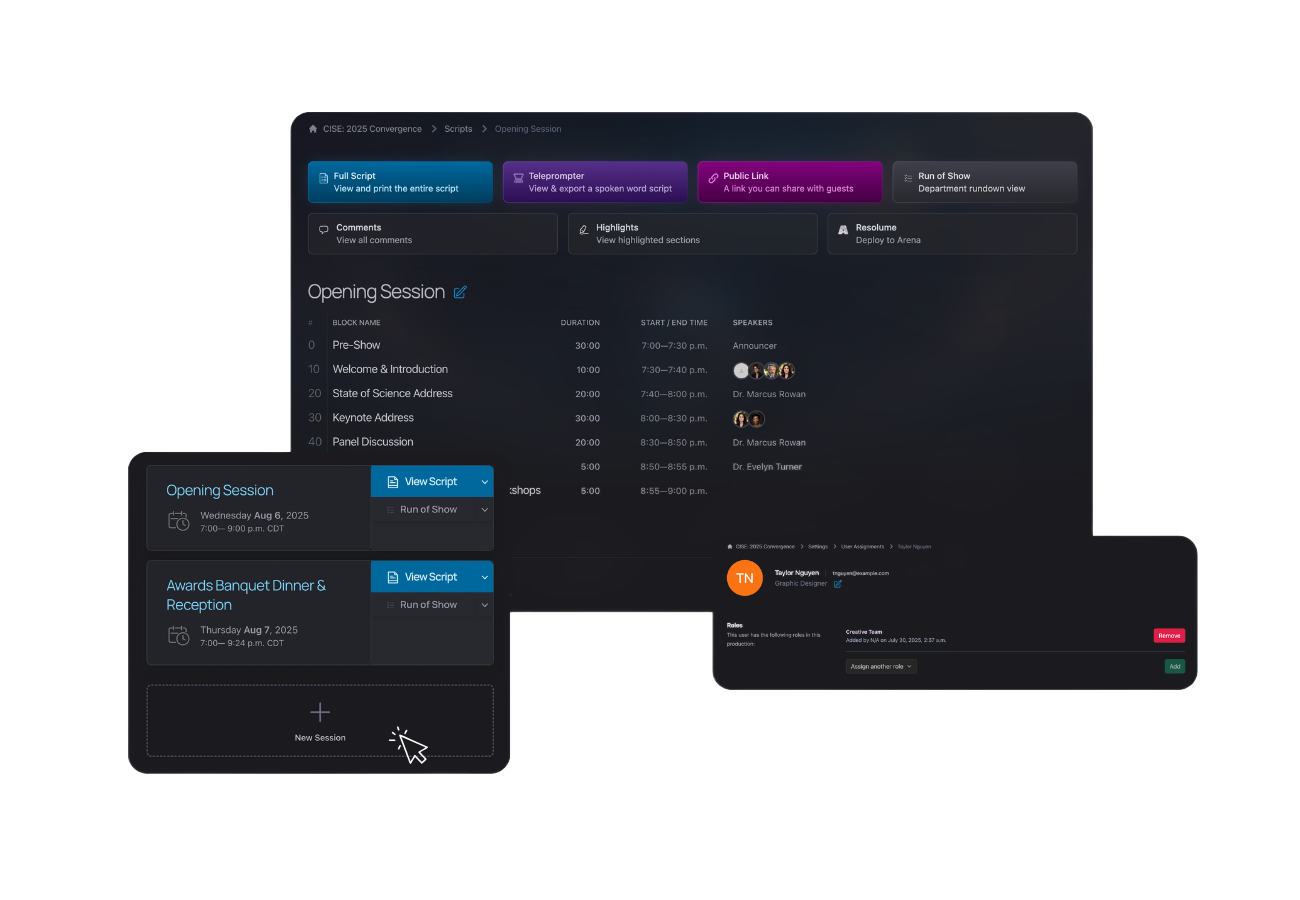
Sessions break your production into major segments or scheduled portions of the event. Think “Day 1 General Session,” “Afternoon Breakouts,” or “Evening Awards.” Sessions help you organize your script around the natural rhythm of the show.
Blocks
Blocks divide each session into flexible, manageable portions. Whether it’s a “Walk In,” “Opening Remarks,” or “Keynote Presentation,” blocks give you an easy way to structure your show flow. You can renumber and reorder blocks at any time, so there's no need to rewrite the script or copy paste.
Scripting Sections
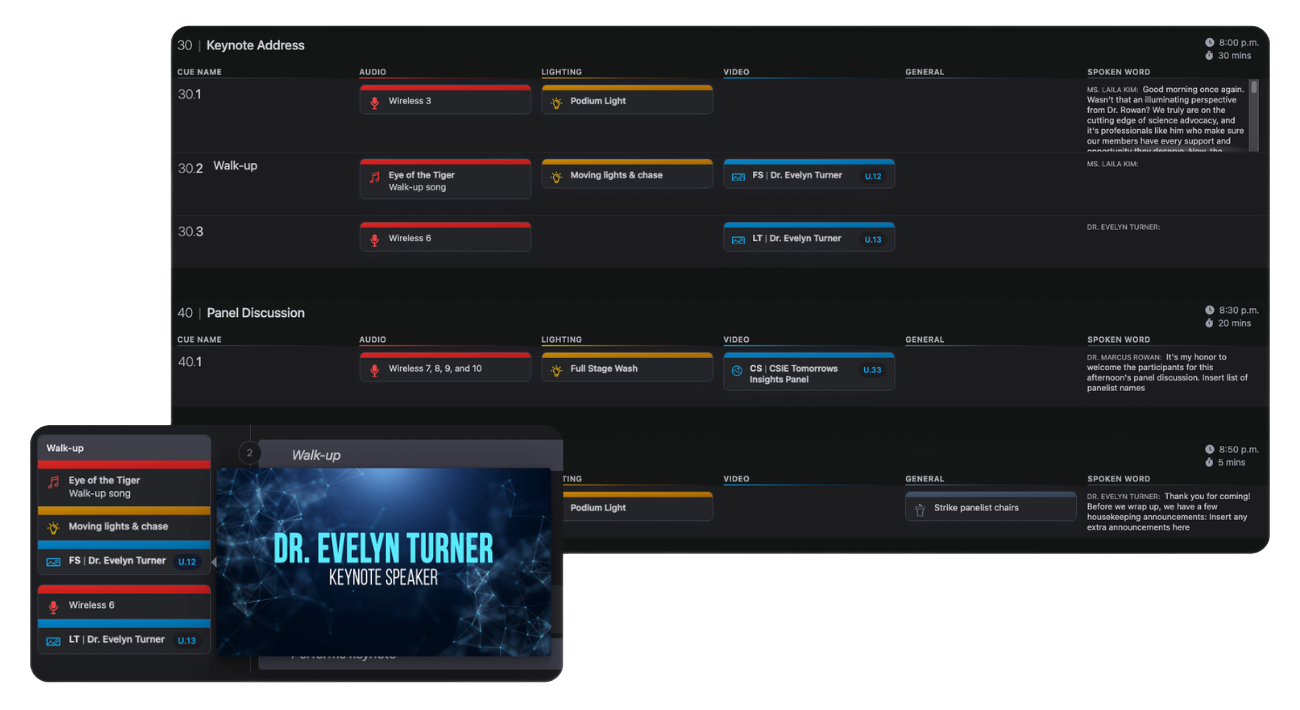
Scripting Sections live inside each block and contain the actual content of your run of show. These are where your team adds individual cues across audio, video, lighting, and general. Each department stays aligned down to the second.
Move quickly. Rearrange instantly.
Need to shift the run of show? Quickly reorder blocks or update block numbers to reflect a different sequence. Your script stays clean, logical, and aligned at every level without having to cut and paste or rewrite anything manually.
Unlimited users. Total control.
We believe production collaboration shouldn't come at a cost. That’s why Script Elephant lets you add unlimited users, for free, so everyone can have their own login and secure access without inflating your budget.
- Invite every contributor—from full-time staff to freelance techs and clients
- Maintain one source of truth and reduce shared login chaos
- Manage graphics and content reviews and approvals with ease
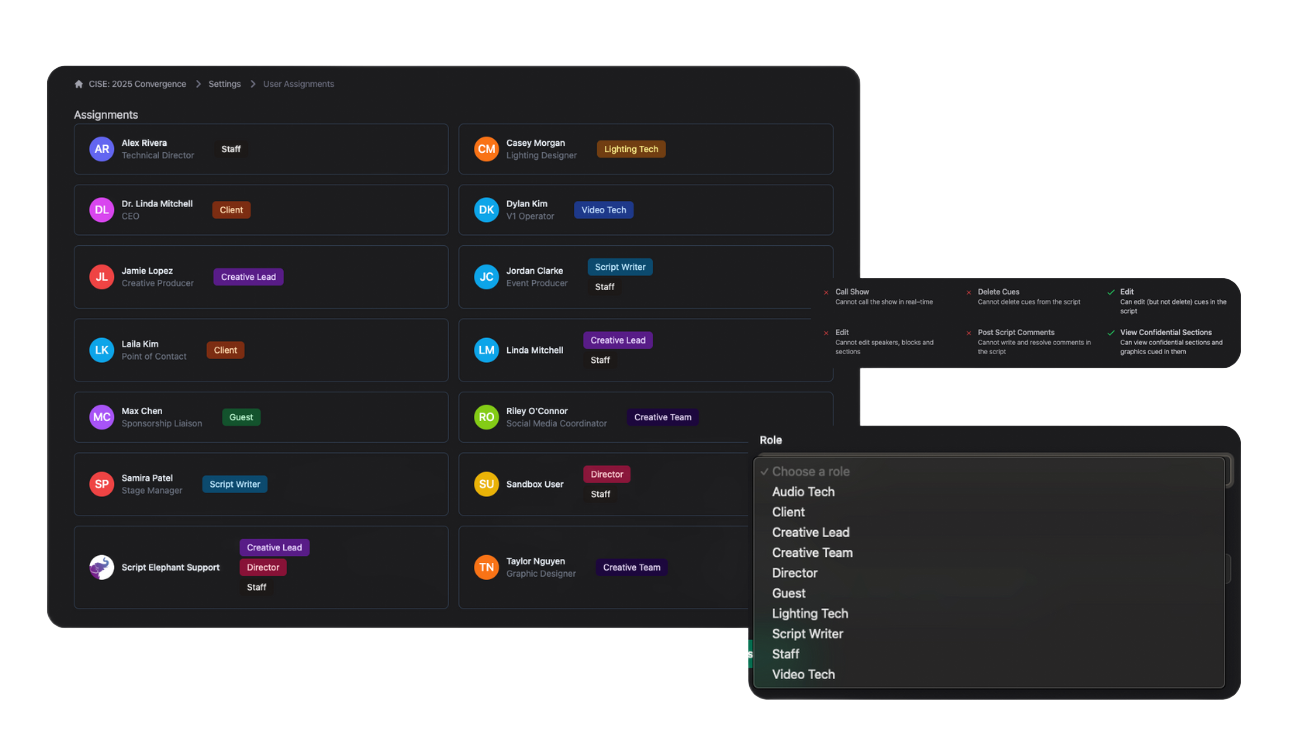
In Script Elephant, user roles are tied to individual productions. That means you can grant broad access to someone on one show, but keep them limited or completely out on another.
Role types might include:
- Executive producers and team leaders
- Scriptwriters and content editors
- Graphics and media input teams
- On-site AV and technical crews
- Clients and outside stakeholders
- Speakers, talent, and special guests
You’re always in control. Assign access, set permissions, and maintain the integrity of your show plan.
Per-production roles & permissions
Structure leads to confidence
With Script Elephant, your production stays clean, organized, and easy to navigate from top-level strategy to cue-level detail. Whether you're prepping for a massive general session or a series of smaller breakouts, you'll know exactly where everything lives, and who has access to what.