
SHOW CALLING
Command the show from doors to final cue
Script Elephant gives show callers the clarity, control, and confidence to run every show like clockwork, no matter the complexity.
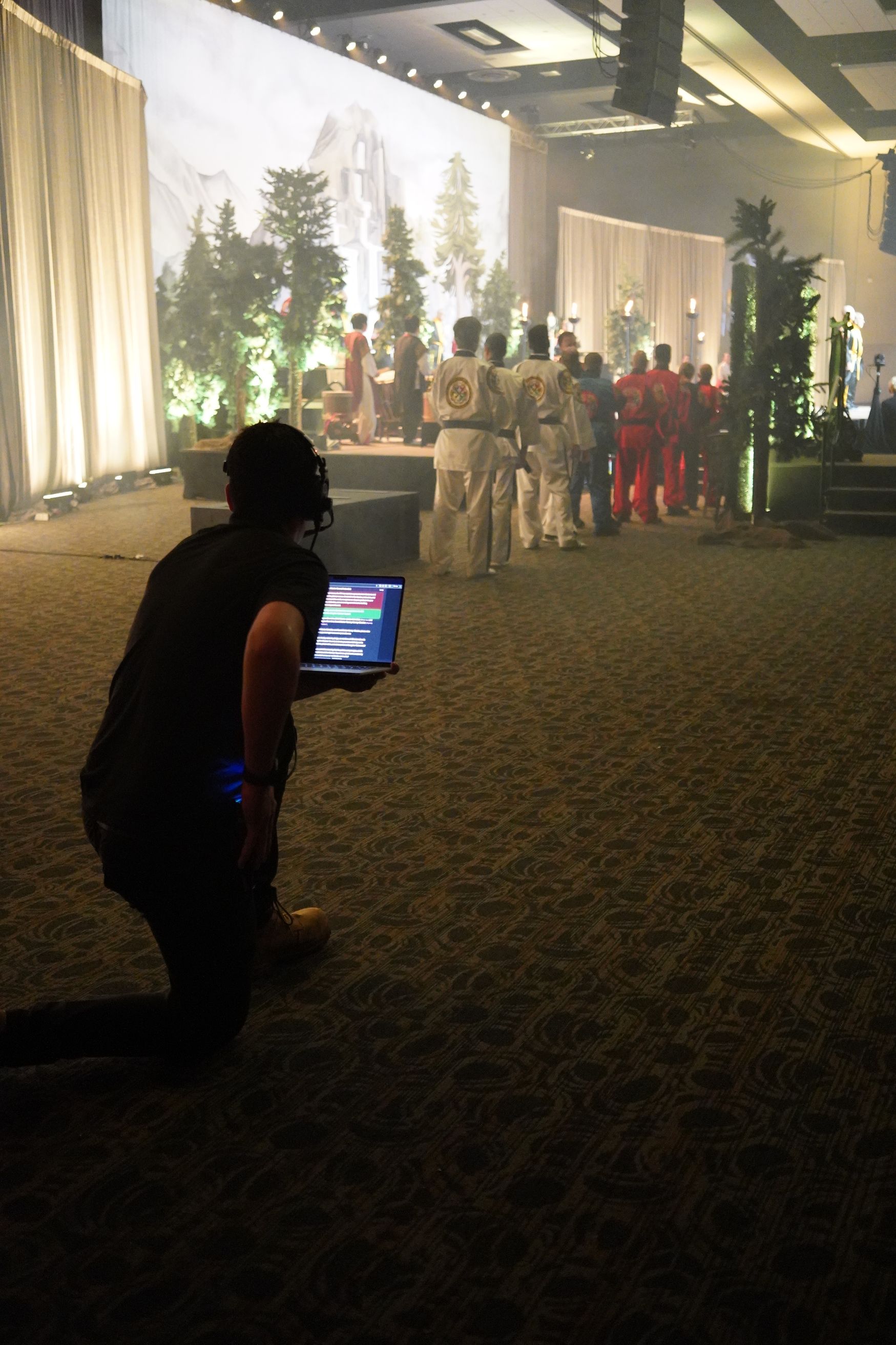
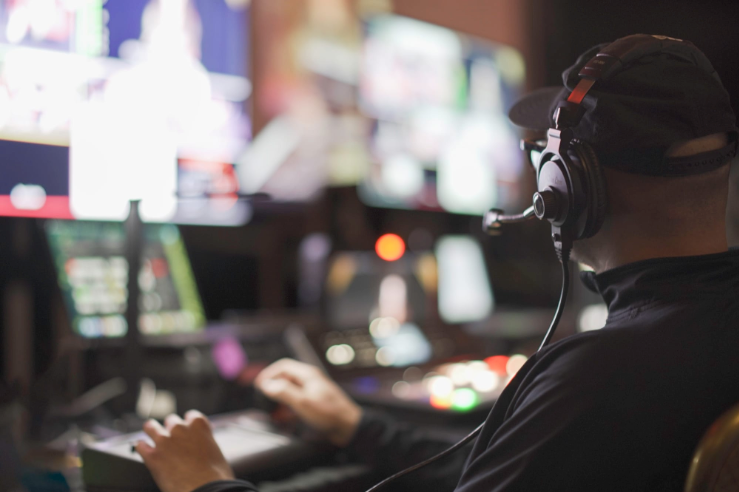
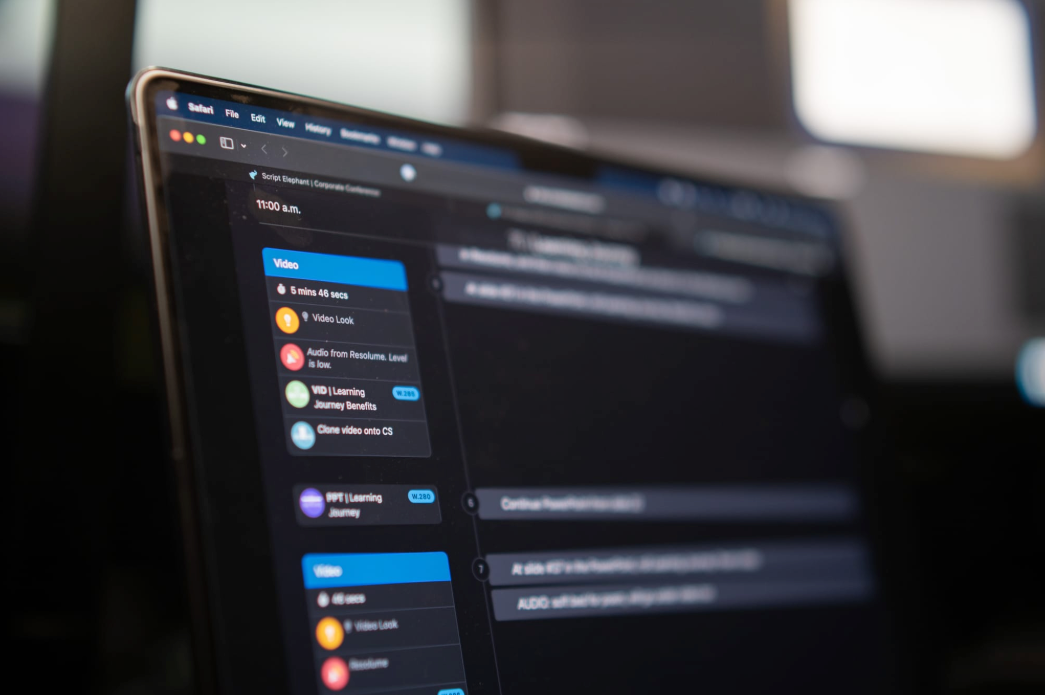
Show calling made simple, accurate, and stress-free
Show calling is high-pressure, high-stakes work. You need to make split-second decisions, adjust on the fly, and keep everyone aligned without second-guessing your script or your cues. Script Elephant was built by show callers, for show callers, to solve the problems traditional tools can’t.
Key Benefits for Show Callers
01
Clear, accurate show documentation
Every second counts in a live show. Event teams need run of shows and scripts that are precise, readable, and up-to-date with no more last-minute confusion over missing cues or outdated files.
02
Real-time collaboration that actually works
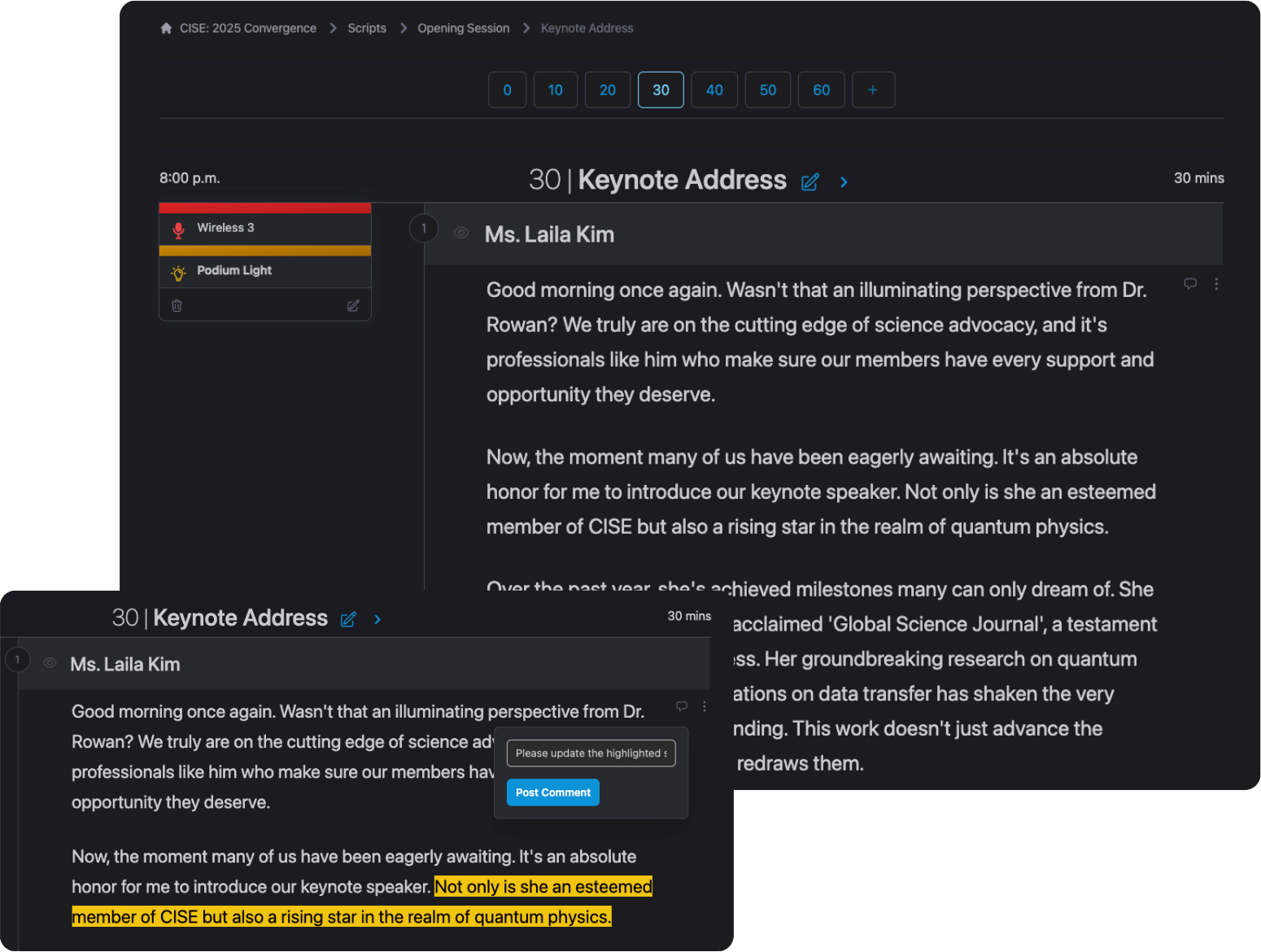
Show elements change constantly. A great tool lets everyone involved in your production work from the same live script, without version control issues or inbox overload.
03
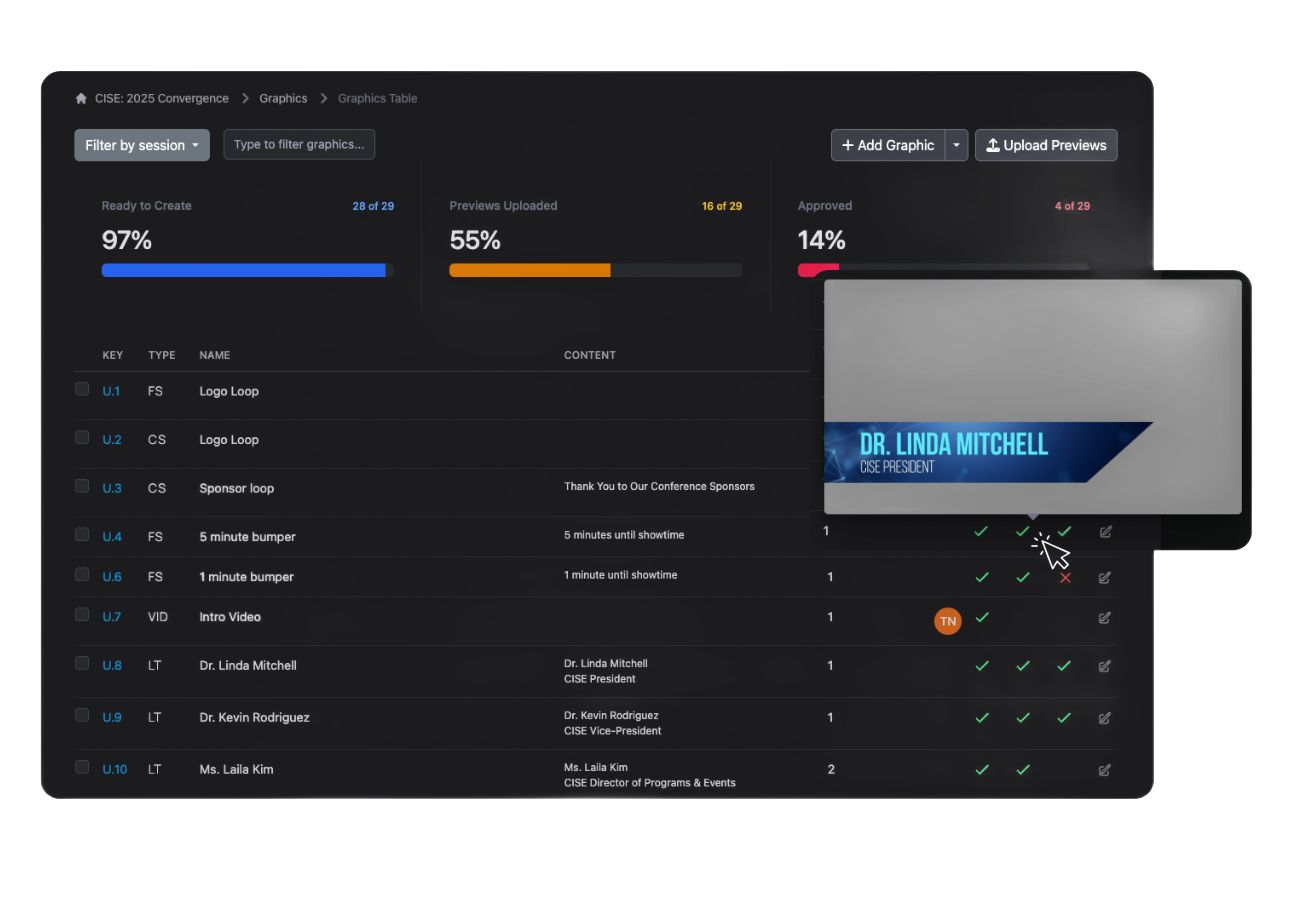
Fast, flexible pre-show setup
Building a run of show shouldn’t be tedious. Features like cueing, speaker database and graphics management help teams move quickly and stay organized.
04
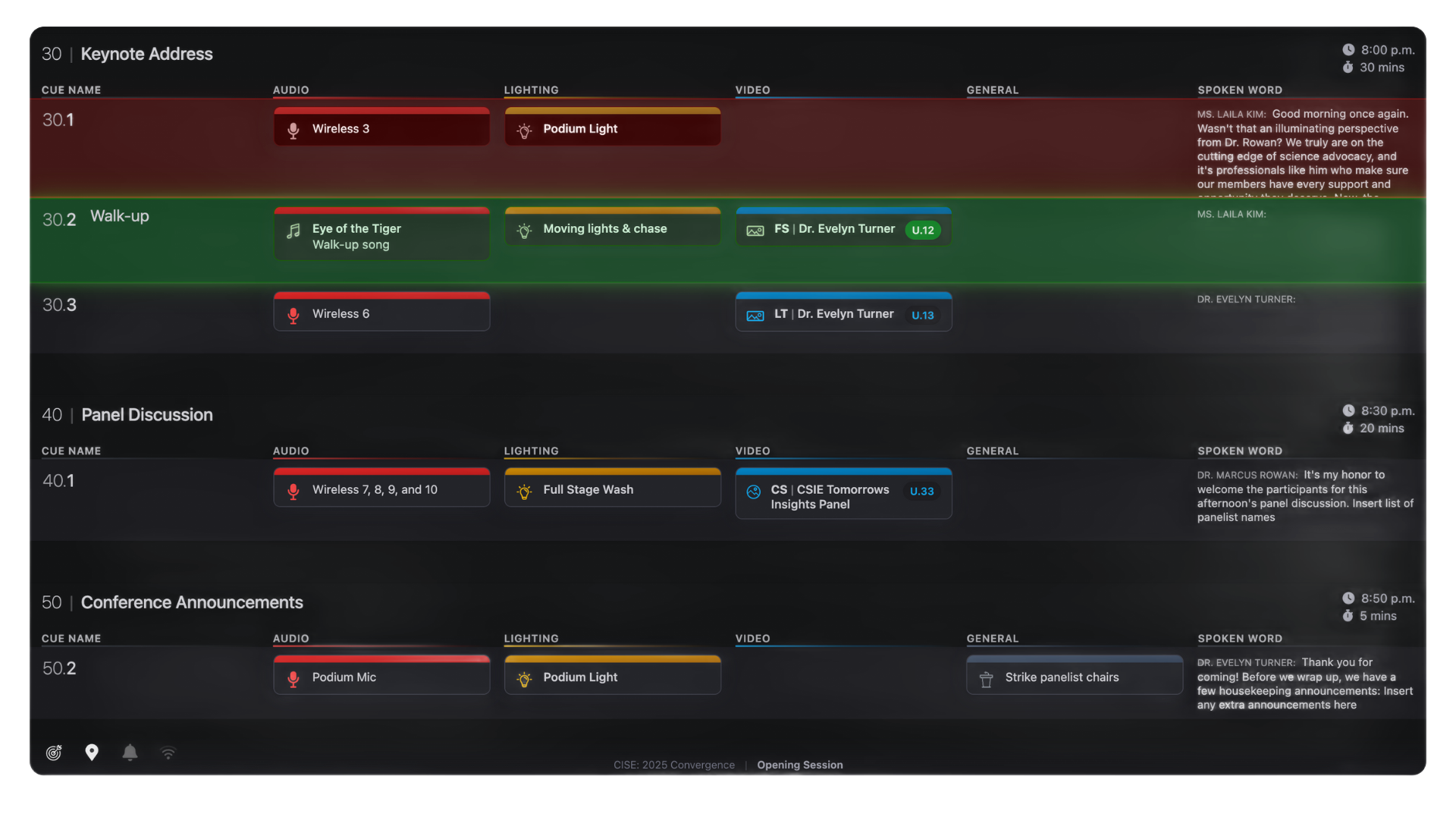
Show calling tools that stay locked in
During a show, callers need to stay focused and confident. Auto scrolling, next-cue indicators, and clear breakdowns by department make it easy to call shows without losing your place.
05
Easy-to-read formats, on screen or on paper
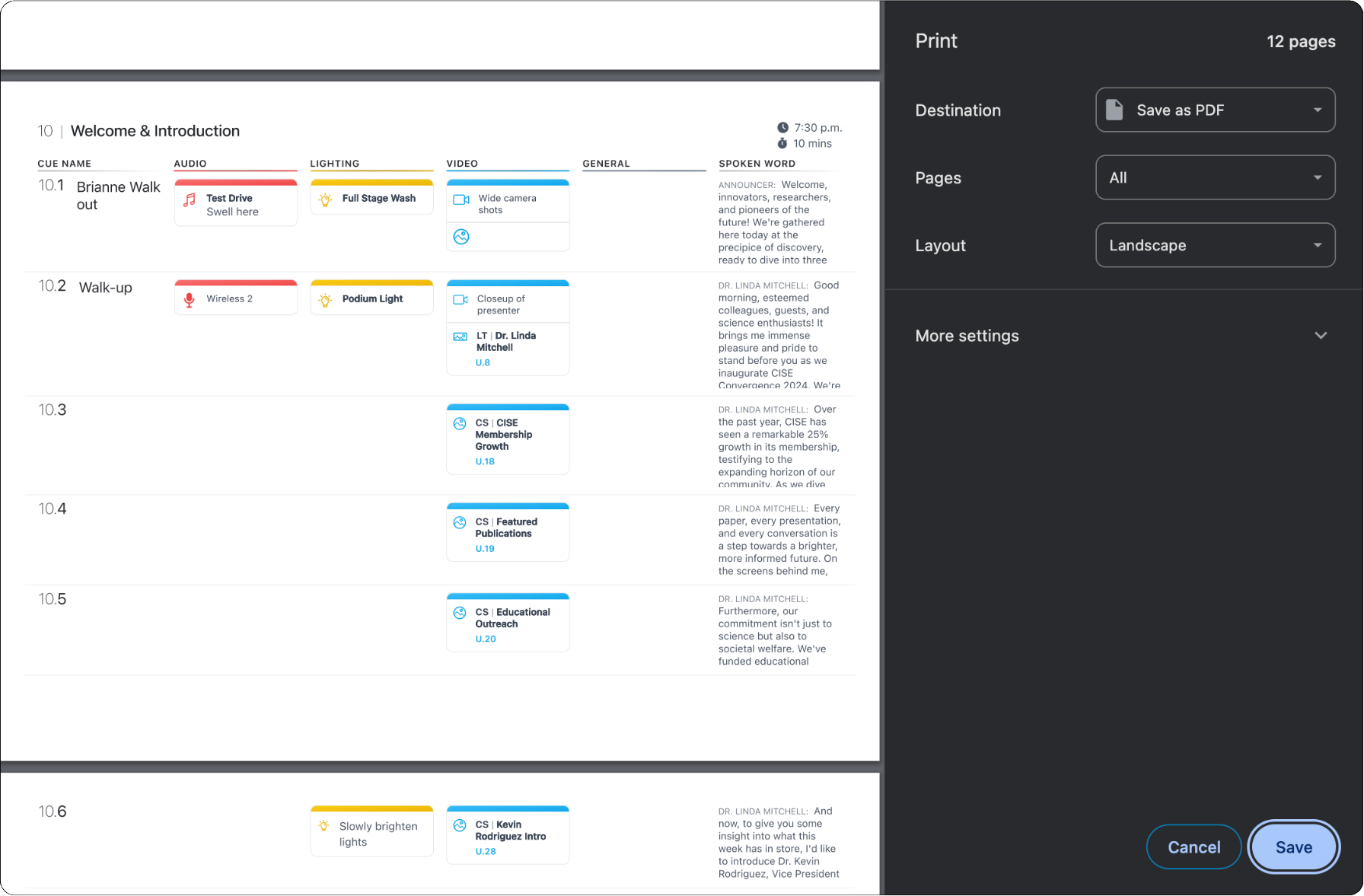
Whether someone’s on a laptop, tablet, or printed page backstage, the script and cues need to be clear and legible, perfect in both light and dark mode.
06
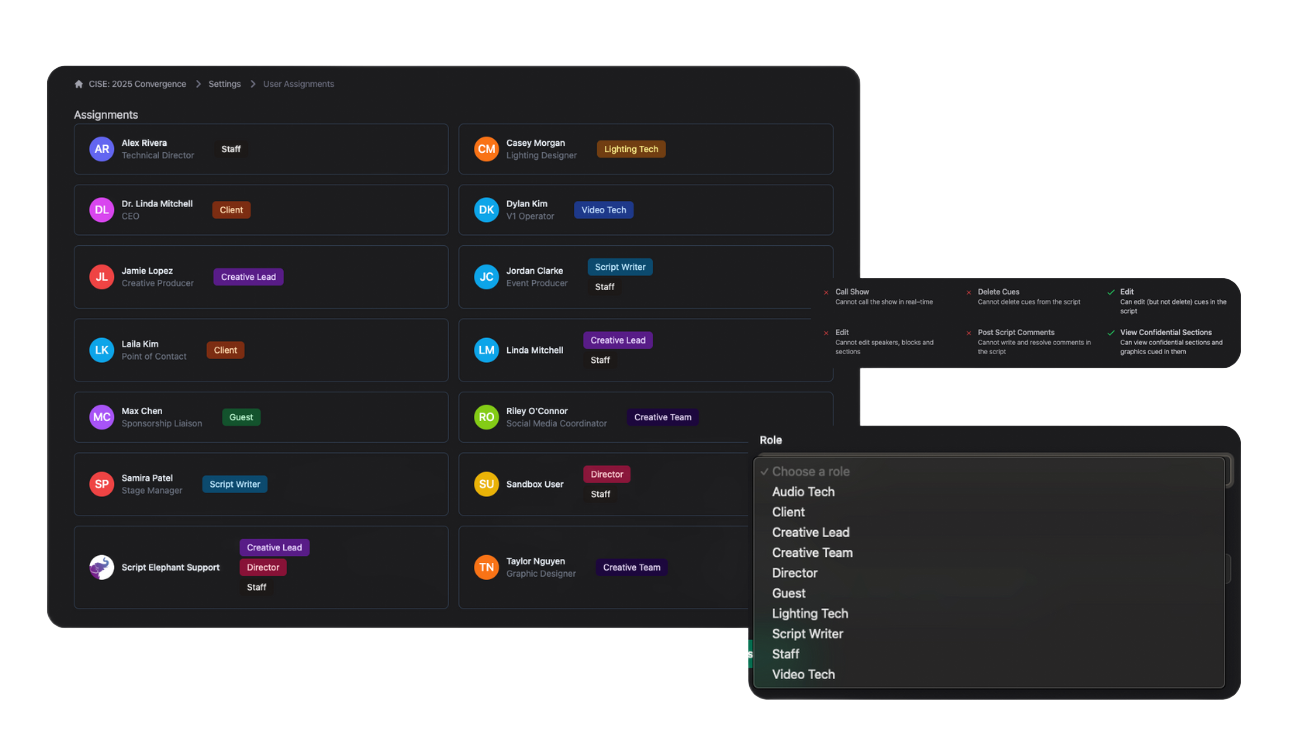
Unlimited users with smart permissions
Event productions involve a lot of people. Unlimited user access means no bottlenecks, and permission controls keep things secure, so your editors, clients, and team all get the access they need.
Learn more →
07
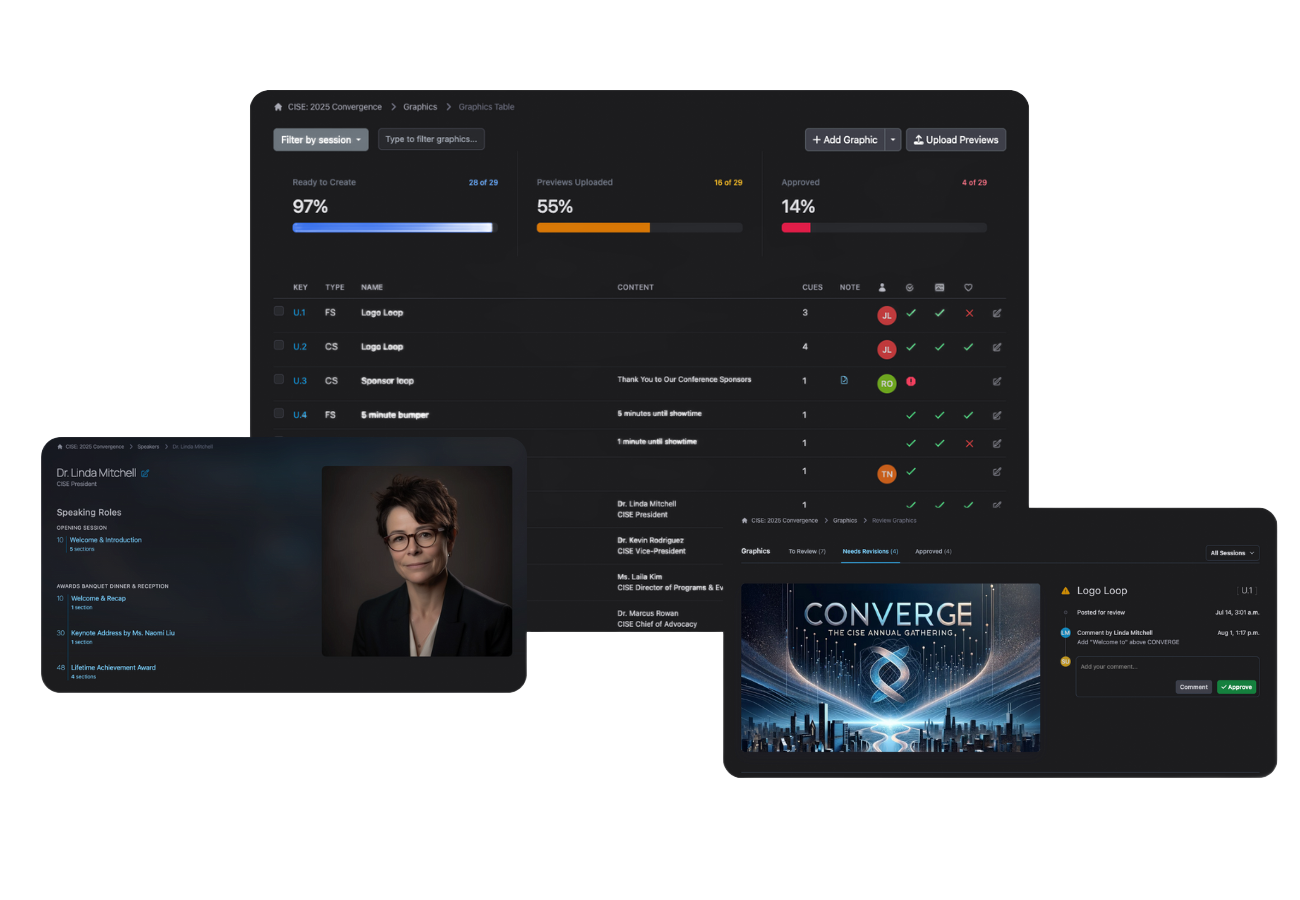
Seamless vendor and client alignment
From internal teams to external vendors and clients, everyone can stay aligned in an easy-to-use platform. It’s simple to share, review, and collaborate together without introducing chaos.
08
Integrations that reduce friction
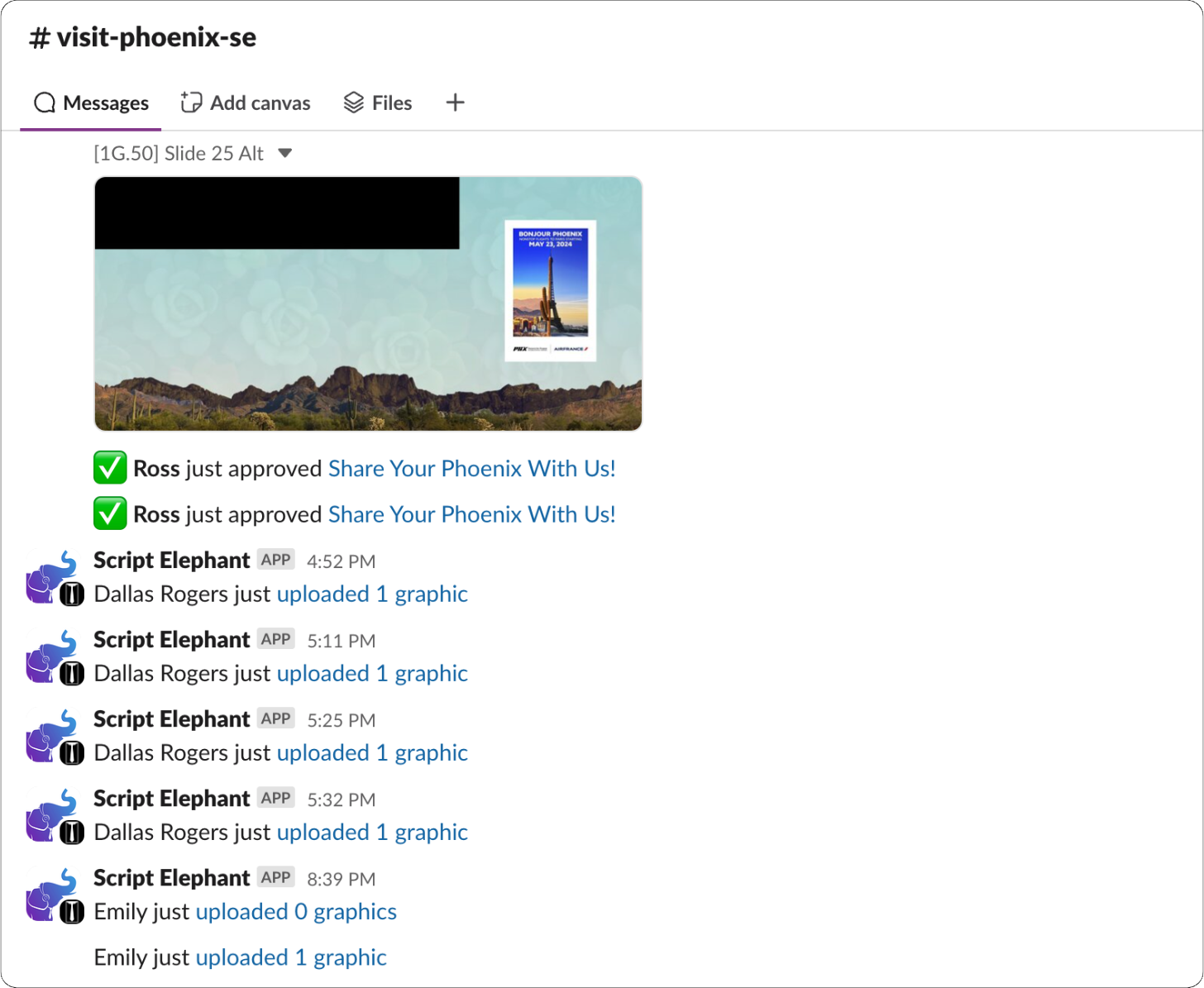
Whether it’s pulling in graphics through the Dropbox integration*, syncing with Slack, or presenting with Resolume Arena, integrations save time and eliminate repetitive tasks that slow down production workflows.
09

Built with you, evolving for you
Our team is in constant conversation with show callers, producers, and tech leads, turning real-world feedback into thoughtful platform improvements. When you have ideas or run into challenges, we’re here, we’re listening, and we’re always working to make it better.
DEPARTMENTS
Cue the script by department, keep everyone on track
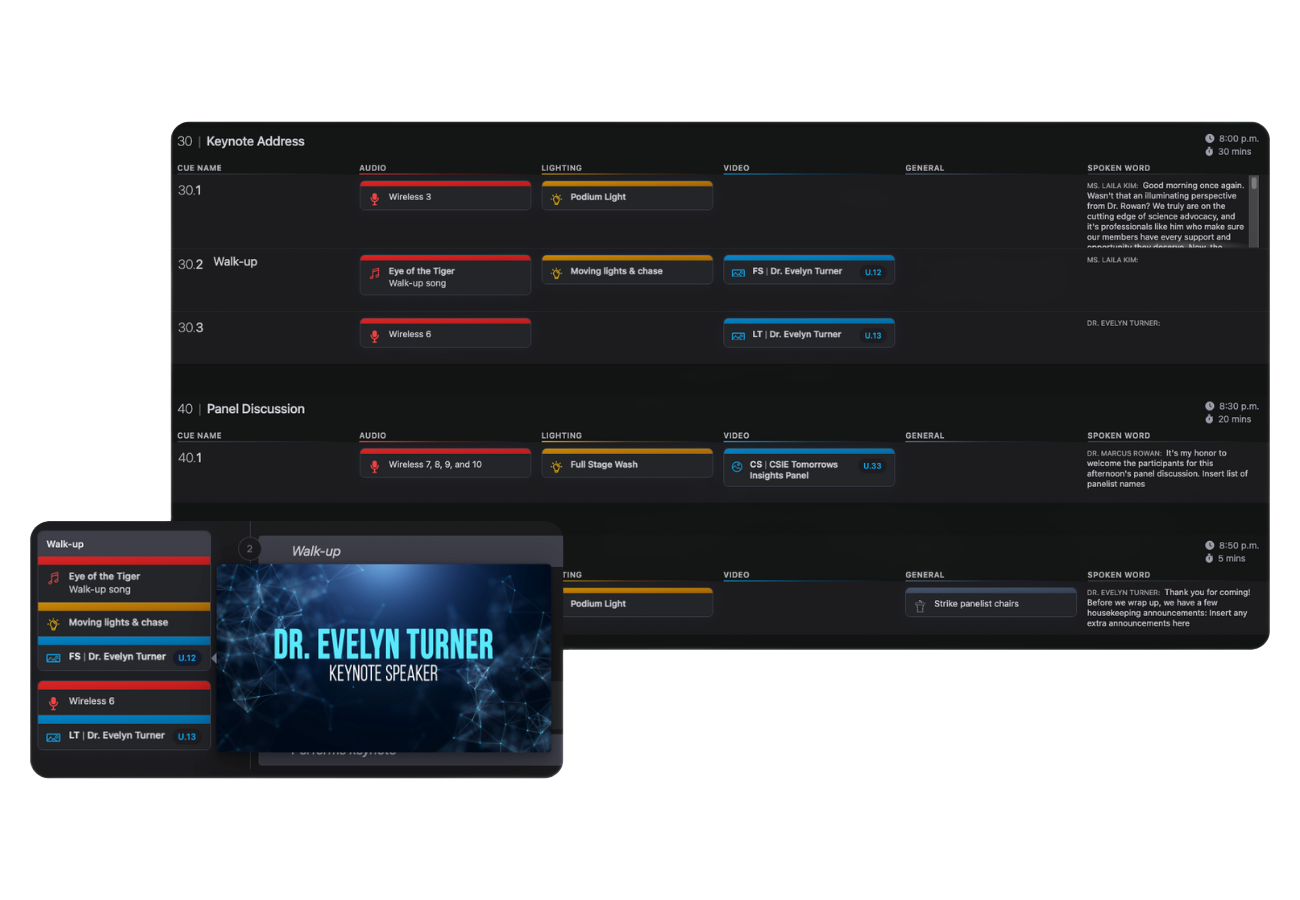
Script Elephant gives show callers complete control with department-specific cue fields that eliminate confusion and keep every team aligned. Whether you're triggering a mic, rolling a video, hitting a lighting cue, or just moving the show forward, your Script Elephant production makes sure the right people get the right info exactly when they need it.

Audio Department
From mic live calls to music fades, Script Elephant helps you cue every audio moment with clarity. Assign cues directly to your A1 so they never miss a beat.

Video Department
Mark precise roll times and media sources with video-specific cues. Your playback operators always know what’s coming next.

Lighting Department
Give your lighting directors a clear signal with cue fields dedicated to lighting looks, transitions, and timing. No guesswork, just flawless cues.

General Cues
Use general cues for talent, stage management, or overall show flow. Perfect for tracking entrances, holds, handoffs, or any non-technical movement.