
Script Elephant's Blog

Live event pros are spending too much time solving workflow problems. When you remove clutter, confusion and chaos, the show's outcome becomes the focus again.
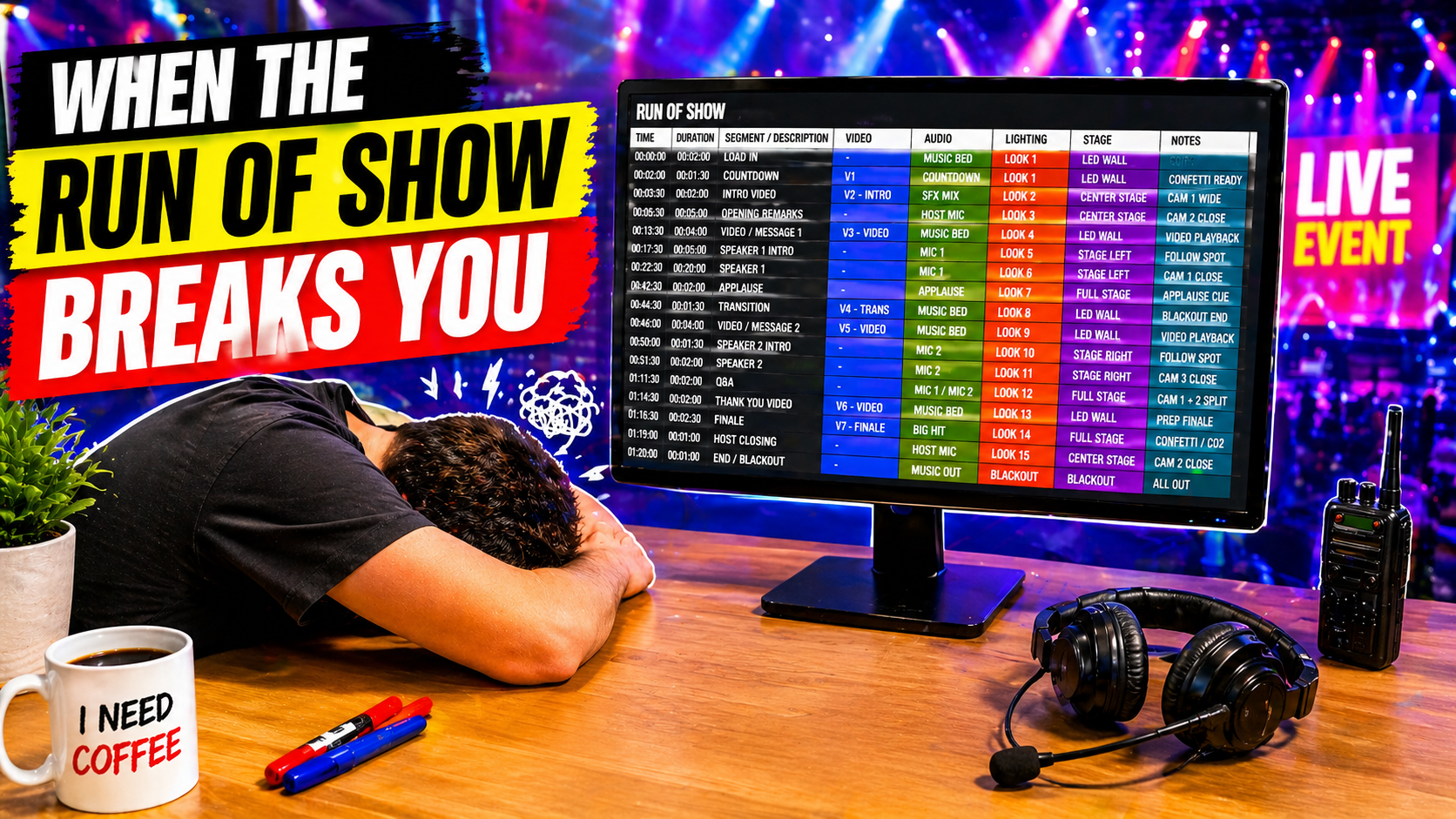
There's a reason event teams start with a spreadsheet. Script Elephant isn't about replacing that. It's about giving your production a better system designed for events.

Script Elephant's latest platform updates with mass block editor, session dashboard improvements, better search function, comments and highlights, and private notes.
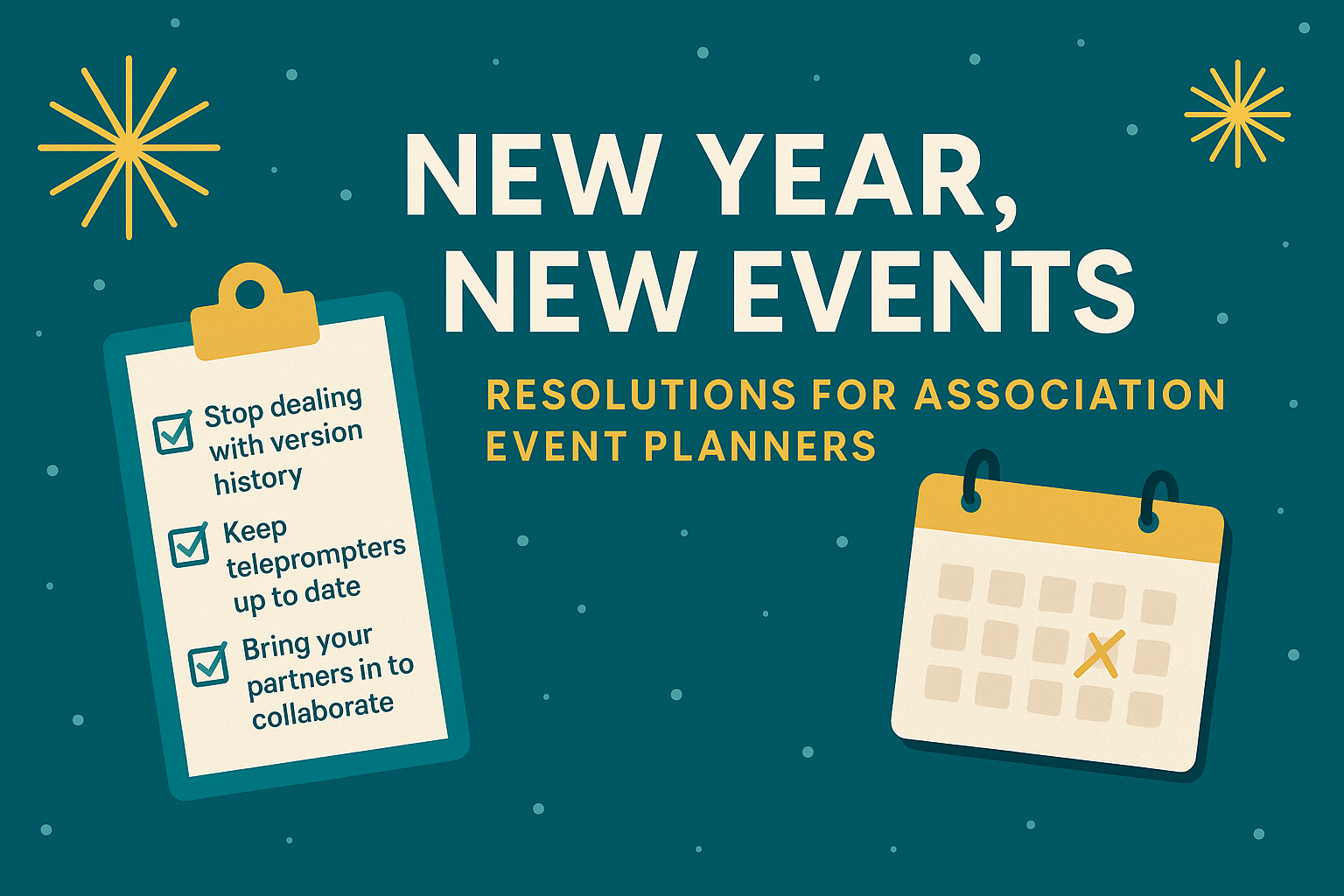
1. Leave Version-History Nightmares in 2025 If your team is still juggling scripts, run of show files, and content outlines across multiple documents, folders, or spreadsheets, 2026 is the year to break the cycle. Event and production teams consistently report that version confusion is one of the biggest causes of last-minute mistakes; missing cues, outdated speaker intros, and conflicting graphics requests. Instead of relying on a patchwork of Google Docs, Excel sheets, and email threads, consider centralizing everything into a single source of truth. Script Elephant is built specifically for live events, eliminating version-history chaos by keeping all show content - scripts, cues, graphics notes, timing, and supporting files - in one collaborative workspace. Everyone works from the same page, reducing errors and giving planners peace of mind heading into show week.
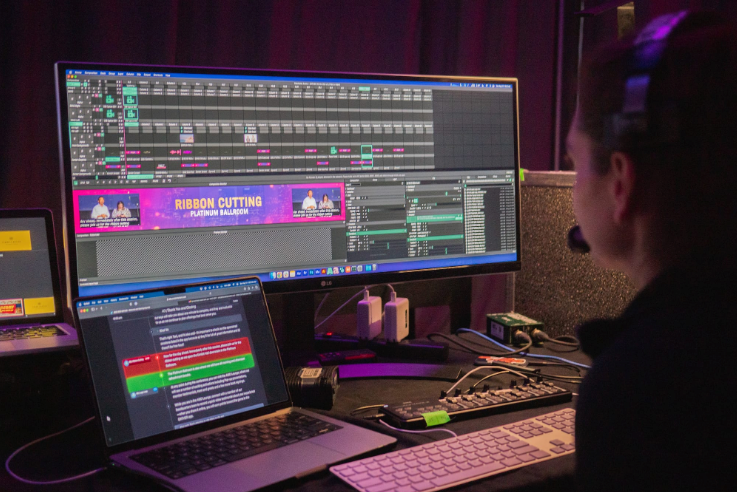
Learn how to organize graphics for large events, streamline approvals, and keep your whole production team aligned.
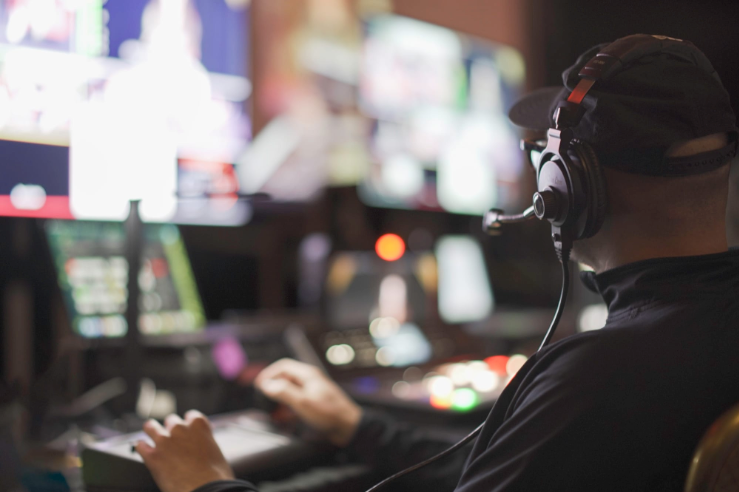
Explore how technology is transforming modern live events—boosting collaboration, cutting chaos, and delivering smoother shows.
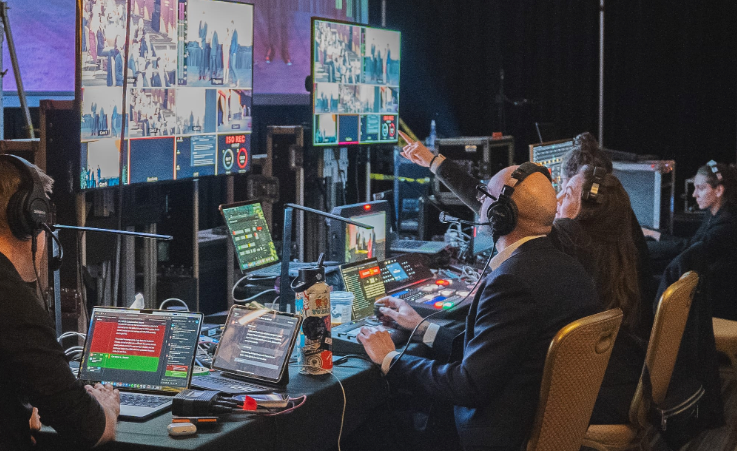
As team members in the event production industry, our ultimate mission almost always involves communicating a message to our audience. Ironically, the biggest barrier to this too often involves communicating with each other. When the stage lights are up and the talent is on-stage, it is essential that the production team can clearly communicate with each other to create those seamless moments for the audience. The heart of this communication is generally a director or stage manager “calling” the show for the team. This person is responsible for articulating their vision for the show, in a way that each team member can quickly and consistently understand. One key aspect to this is using consistent language. For example, there are a handful of common terms to ask a lighting director to turn off the front stage wash, such as “Stage Wash Down”, “Douse Front Light”, or even just “Lights Down”. By deciding in advance which of these phrases to use, the team can more quickly react and understand which cues are meant for them. App-based rundown software like Script Elephant assist teams with this by allowing script writers to assign names for each possible lighting scene. This allows the script writer to consistently re-cue these same scenes each time they are needed. This also allows the lighting operator to see a full list of each lighting scene in advance, so they can easily program their console with the same scene name the show caller will use. Another important factor is making sure that the show caller can quickly explain a complex cue, so that operators in each department can hit their marks simultaneously. A trick for this is for the show caller to use a short name that has a specific meaning for each department. For example, the show caller can announce to their team: "We’re coming up on ‘applause’. For this cue, lighting will be on crowd lights, music will swell, graphic C.21 will play, and cameras will be on wide. Standby for ‘applause’. Ready, and... go."
I think the real magic of a great live event is when we’re able to connect with the live audience in a way that they would not be able to experience at home.

One of my favorite parts of designing graphics for events is the way it allows us to transform even the most exclusive events into a larger than life presentation.