
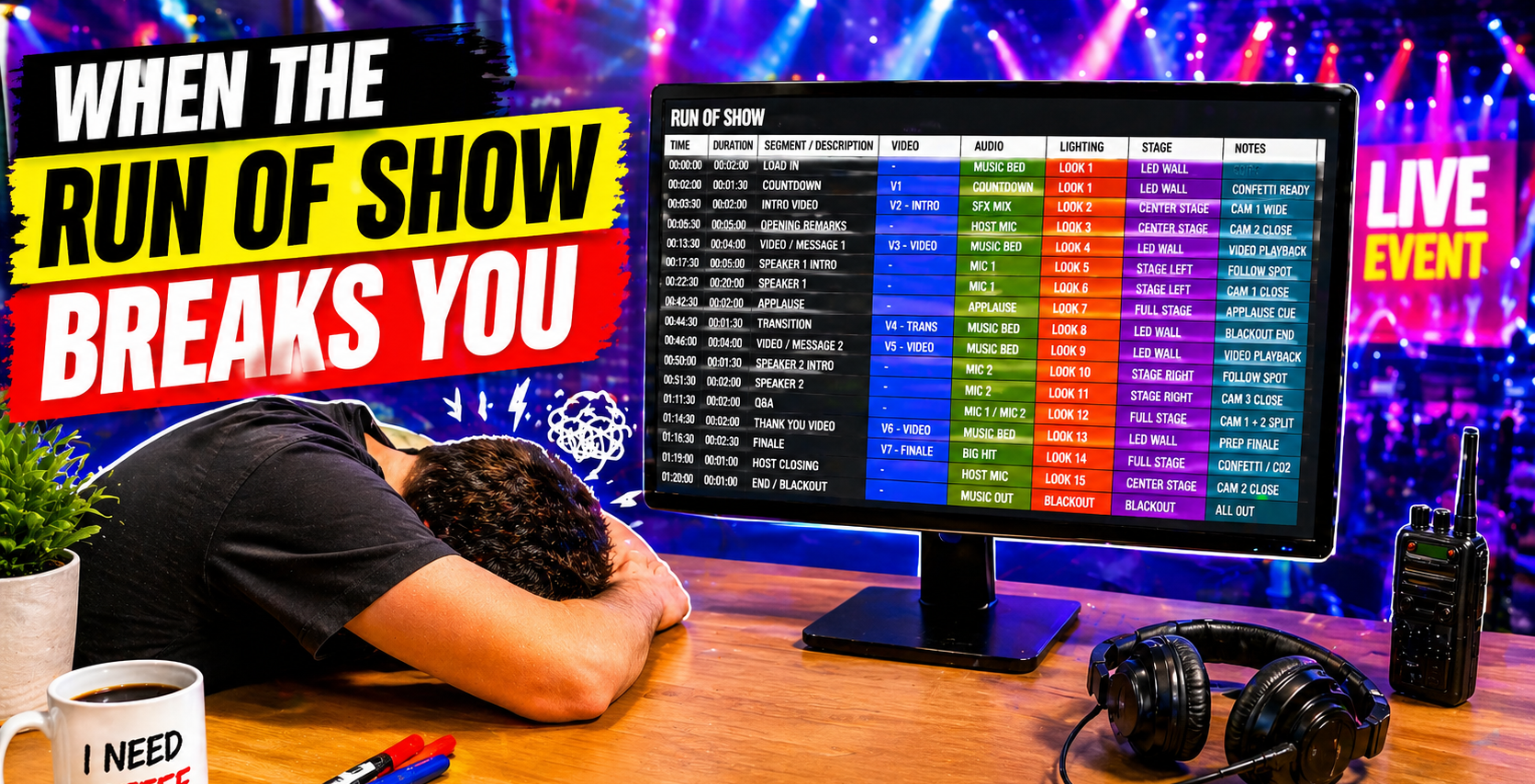

Your Google Sheet Is Holding You Back


By Megan Trummel April 29, 2026

There's a reason many event teams start with Google Sheets.


It's familiar. It's free. It's already open on someone's laptop. And for a while - when the show is small and the team is tight - it actually works. You build a run of show, add columns for cues, color-code a few rows, and think: this is fine.


Then the show grows and pre-production kicks into full gear.


More stakeholders. A script that won't stop changing. Graphics requests piling up. Approvals that live in someone's inbox. What felt clean and manageable starts to feel like a thing you have to protect from itself - and you're still weeks out from show day.


You add another tab. Then another. You paste a link to a graphic, then an updated link, then the final link. You leave comments that no one sees until it's too late. The sheet didn't break. You just outgrew it...and the show hasn't even happened yet.

The Problem Isn't You, It's the Tool


Spreadsheets are powerful. They're also completely indifferent to what you're actually trying to do.


In a spreadsheet, a run of show is just rows. A cue is just text in a cell. A script is more text. A graphics package is a pile of links you hope are current. An approval is...what exactly? A Slack message? A reply-all email? A comment bubble nobody clicked?


So you build structure yourself. You invent conventions. You train your team on "the way we use the sheet." And slowly, maintaining the system becomes part of the job - a job nobody signed up for, layered on top of building the actual show.


That's not a process failure. That's what happens when a general-purpose tool meets a specialized, high-stakes, event-specific workflow.

Where Pre-Production Falls Apart


It's rarely one catastrophic moment. It's a hundred small friction points - most of them happening long before you're on site:


The script version that goes to the speaker isn't the one that went to the teleprompter. The graphic gets submitted before the client has signed off. The updated run of show lives in one person's inbox and nowhere else. The quiet panic of not knowing, three days out, whether you're looking at the latest version of anything.


Each one is manageable on its own. Together, they're a tax - paid in stress, in rework, in the hours you could have spent actually preparing for the show.

Built for How Event Productions Actually Work


Script Elephant was built specifically for producers and show callers who know exactly what that friction costs, not just on show day, but in the weeks leading up to it.


Instead of bending your pre-production workflow to fit a spreadsheet, it's designed around the way events actually come together.


Your run of show isn't a grid you've jury-rigged into something useful. It's a living view of your show. One that evolves through pre-production alongside your script, your graphics and your team. You can zoom into content when the creative work is front and center, or into cues and timing as execution approaches. The format follows your focus, not the other way around.


Graphics get the same treatment. No more file names in one tab, links in another, approvals buried in Slack. Graphics are part of the workflow from the start, making them organized, previewable, and approval-tracked in one place. You know exactly what's been submitted, what's pending and what's cleared to go live. No guesswork. No last-minute scrambles.

See the Show Before It Happens


Spreadsheets make you imagine how it'll all come together. You read lines of text and hope everything connects - that the speaker got the right script, that the graphic matches the moment, that the cue lands where you think it does.


Script Elephant removes that guesswork during pre-production, when you still have time to fix things. Preview scripts as they'll appear in teleprompter. Review graphics in context. Validate content before it ever reaches the stage.


The shift from assumption to visibility changes how you walk into show day, because by then, you've already seen it work.

One Source of Truth from Day One


Google Sheets allows collaboration. It just doesn't guide it.


Feedback lives in comments. Decisions happen in Slack. Updates come through email. The work gets done, but nothing is ever quite in one place. And when you're coordinating across producers, clients, speakers and vendors...that scattered record has real consequences.


Script Elephant brings it back together: structured, visible, and with enough context that everyone knows where things stand throughout pre-production. What's been approved. What's still open. What's locked and ready. Less noise, more alignment starting from the moment you open the project, not the moment you arrive on-site.

The Real Test Starts Before Show Day


Any system can hold up during planning. The real test is pre-production itself when stakeholders are pulling in different directions, content is still in flux, and every change has a downstream effect on something else.


That's where spreadsheets reach their limit. And exactly where Script Elephant is designed to perform, so that by the time you're on-site, the hard work is already done.


Less second-guessing. More clarity. More confidence. You, running the show, because pre-production went the way it was supposed to.

Time to Level Up Your Tools


Google Sheets will get you started. It always does.


But there's a point where "good enough" stops being good enough. Not because your team isn't capable, but because your tools weren't built for the complexity of event production.


Script Elephant isn't about replacing a spreadsheet. It's about giving your pre-production a system worthy of the work you're already doing, one built specifically for events, not adapted from something that wasn't.


Because when everything is on the line, you shouldn't be managing your tools.


You should be building your show.

Ready to learn more?


Sign up to get industry insights, trends, and more in your inbox.

Contact Us

SHARE THIS

Latest Posts

Six purple gears on a purple background
By Megan Trummel May 29, 2026
Live event pros are spending too much time solving workflow problems. When you remove clutter, confusion and chaos, the show's outcome becomes the focus again.

Purple “NEW FEATURES NEW EXPERIENCE” text with starburst accents on a light blue background
By Megan Trummel April 22, 2026
Script Elephant's latest platform updates with mass block editor, session dashboard improvements, better search function, comments and highlights, and private notes.
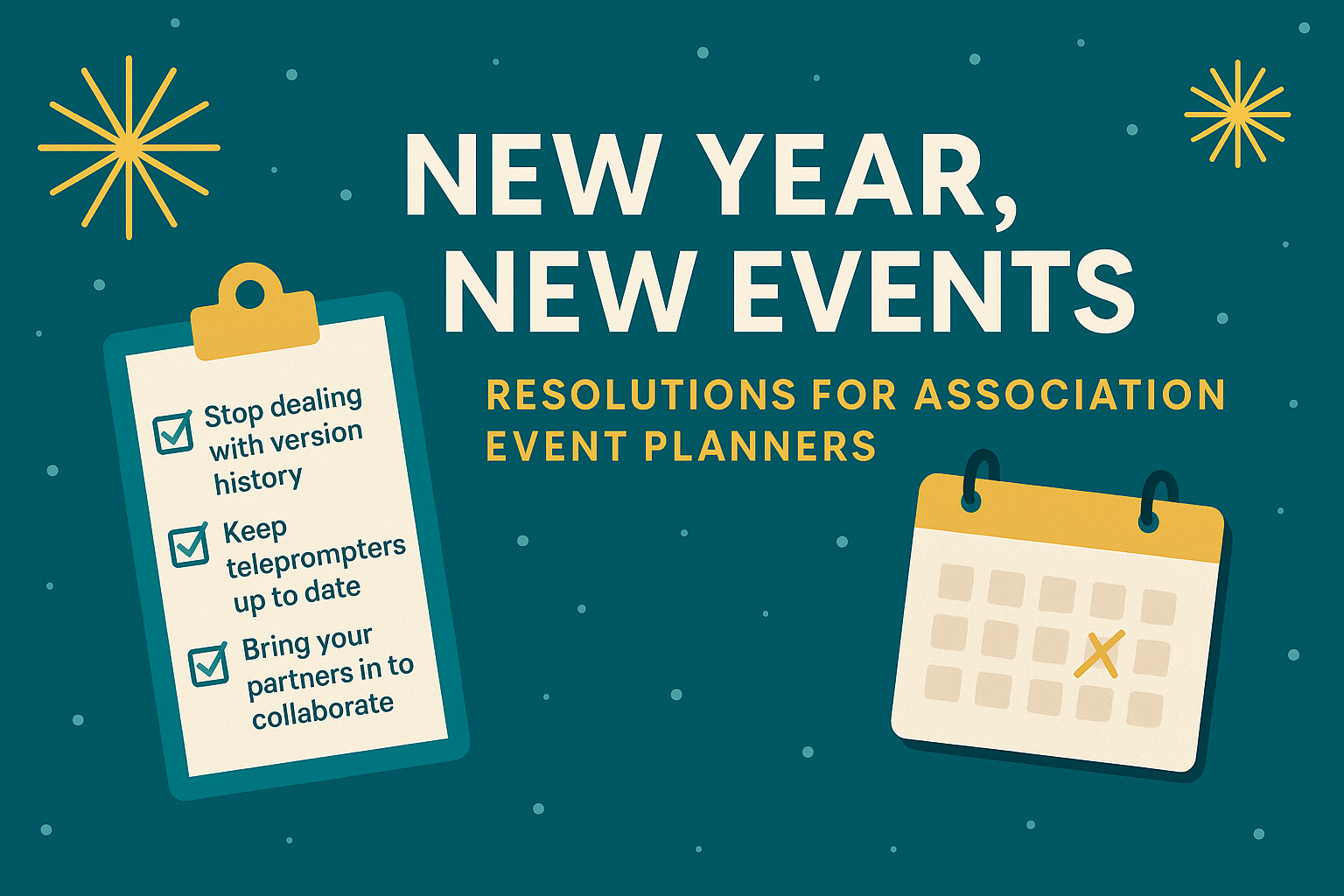
Teal graphic:
By Megan Trummel December 11, 2025
1. Leave Version-History Nightmares in 2025 If your team is still juggling scripts, run of show files, and content outlines across multiple documents, folders, or spreadsheets, 2026 is the year to break the cycle. Event and production teams consistently report that version confusion is one of the biggest causes of last-minute mistakes; missing cues, outdated speaker intros, and conflicting graphics requests. Instead of relying on a patchwork of Google Docs, Excel sheets, and email threads, consider centralizing everything into a single source of truth. Script Elephant is built specifically for live events, eliminating version-history chaos by keeping all show content - scripts, cues, graphics notes, timing, and supporting files - in one collaborative workspace. Everyone works from the same page, reducing errors and giving planners peace of mind heading into show week. 

Show More