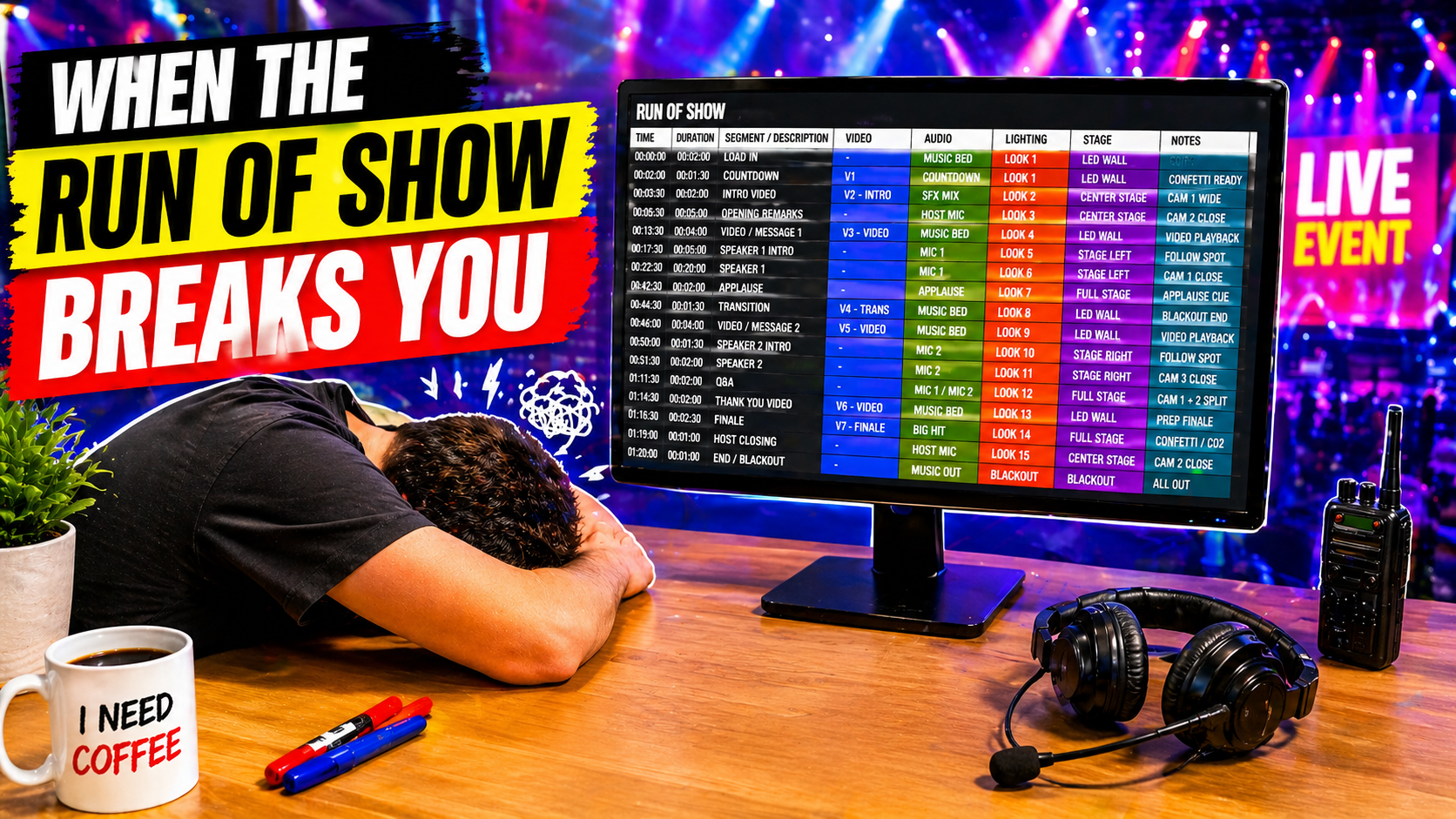
At the heart of any major live production is typically a document called a Run of Show. The Run of Show, or RoS, is designed to explain the key moments in a show and call attention to the cues each department needs to know.
These documents are often informal - sometimes supplied by clients or agencies - and may not necessarily conform to industry standard practices for layout, language, or content.
However, industry best-practice run of show documents are more structured – typically in a table format with columns representing each department and rows representing cues. These allow script writers to explain complex cues, which involve many departments, while allowing each department operator to focus on the columns that apply to them.
Simple spreadsheet run of show documents are common, but come with several drawbacks. The first is pure table-based run of show documents don’t easily support shows that depend on extended spoken word sections. For example, in a keynote presentation where the speaker might talk for a minute or more between cues, it can be awkward to display that entire script in the table view because the rows become impractically tall.
Typically, this is resolved by preparing two separate documents: a written script containing full-length spoken word and a separate run of show document with each department’s cues. Many times these documents are prepared and distributed separately, which can make it complicated for teams to juggle both, to understand the cuing between them, and to keep each document up to date as changes are made.
The ideal solution to this problem is to use modern run of show systems that natively integrate each of these script formats into one live document.
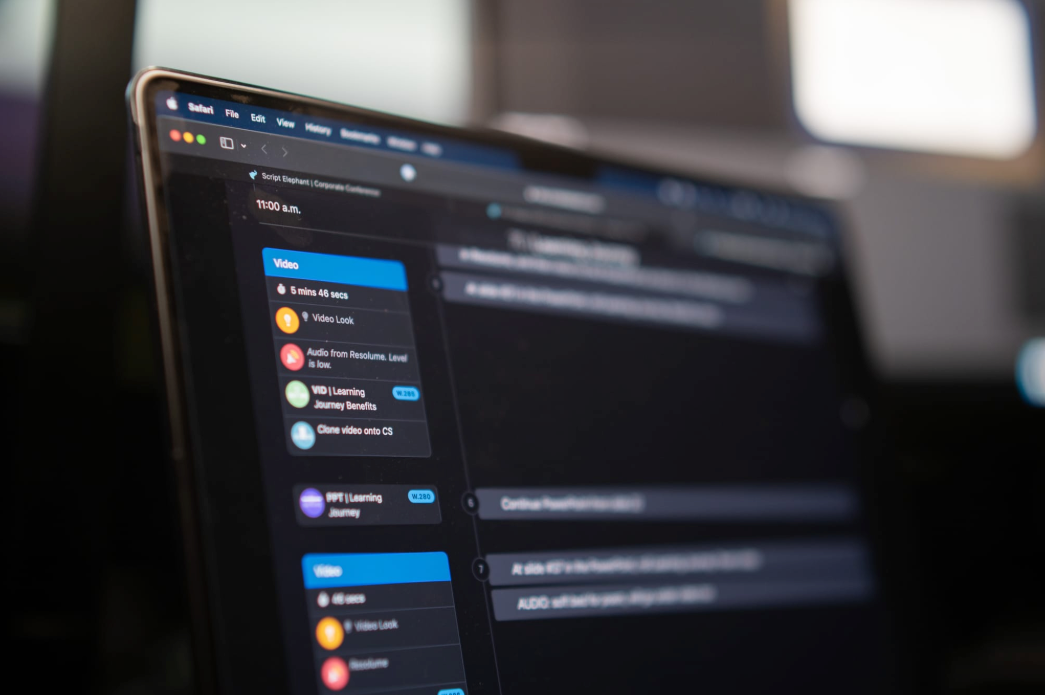
Script Elephant has a native full-page script view for editing and viewing. This view natively supports cue integration allowing script writers to carefully write cues to occur at specific moments throughout a spoken word presentation.
Simultaneously, AV department operators can use the Run of Show view of the same script giving them a traditional column-based format showing them exactly where each of their cues occurs in the show. This view is critical on show-site to allow for a quick, compact view of cues. These views all support real-time cue tracking, meaning that as a director or show caller advances through the show, everyone logged into the script can watch the script advance automatically in real-time.
Script Elephant 's integrated platform has become key to our show production team giving an understand of each show to the crew by capturing all of the critical information together in one place and allowing each crew member to see exactly what they need, when they need it.